
Instagram Biodata: Stylish Formats and Templates for Your Profile
Scroll through enough Instagram profiles and you’ll notice a pattern: instead of one flowing sentence, some bios are laid out like a mini profile card — Name, Nickname, DOB, Zodiac, Hobby, all stacked neatly line by line.
That’s an Instagram biodata, and it’s become one of the most popular bio styles because it packs personality into a format that’s genuinely easy to scan.
This guide covers exactly what an Instagram biodata is, the fields people typically include, ready-to-use templates for different vibes, and the formatting details that make the difference between a biodata that looks polished and one that looks cluttered.
What Is an Instagram Biodata?
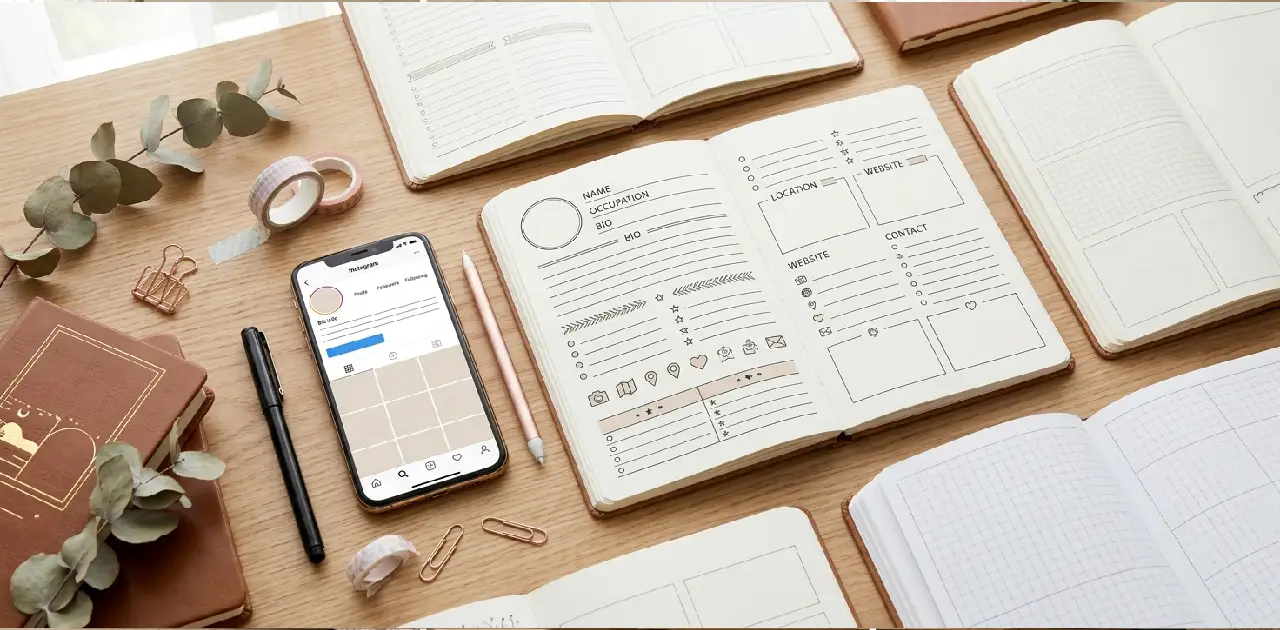
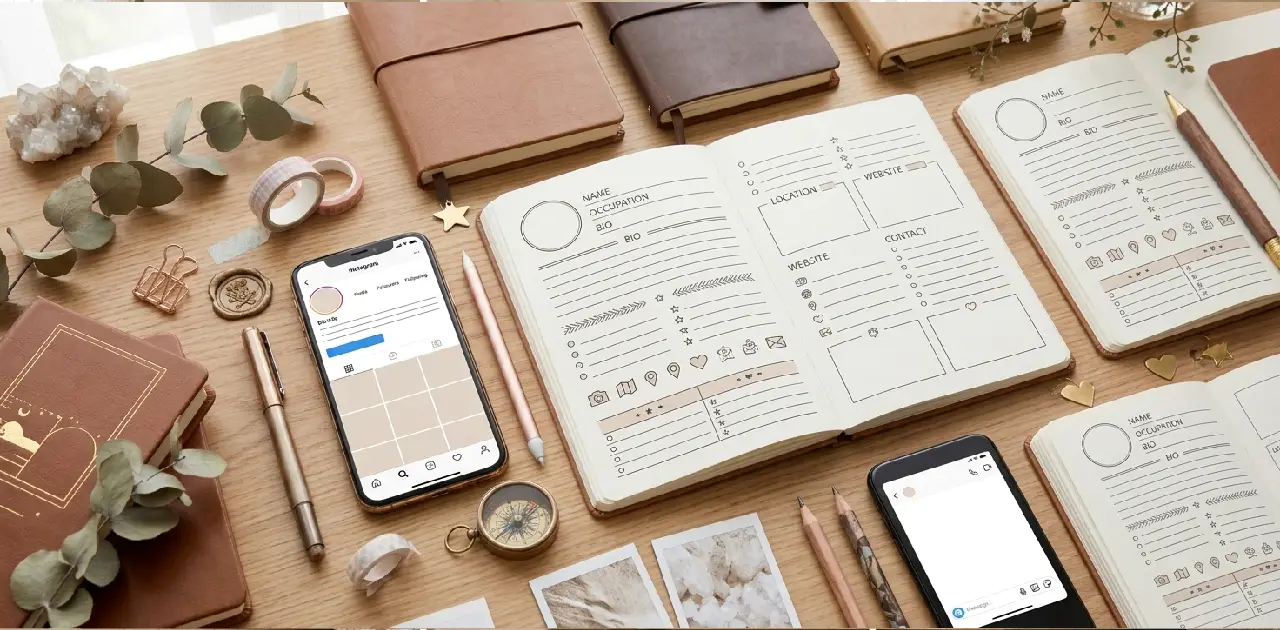
An Instagram biodata is a structured, list-style bio that presents personal details — like your name, nickname, birthday, zodiac sign, and hobbies — in a clean, line-by-line format, instead of a single descriptive sentence.
Think of it as a compact “about me” card rather than a caption. Where a traditional bio might say “Simple girl with big dreams, coffee lover, always smiling,” a biodata-style bio breaks that same personality into organized fields:
✰ Name: Riya
✰ Nickname: Ri
✰ DOB: 14 Feb
✰ Zodiac: Aquarius
✰ Hobby: Music & Photography
✰ Status: Single
This format originated largely from South Asian Instagram culture, where structured biodata bios became especially popular, and it has since spread widely across Instagram, Facebook, and even WhatsApp “About” sections.
| Feature | Traditional Bio | Biodata-Style Bio |
|---|---|---|
| Format | One or two flowing sentences | Structured list of labeled fields |
| Reading style | Read top to bottom as a sentence | Scanned quickly, field by field |
| Best for | Personal brands, businesses | Personal profiles, students, teens |
| Visual style | Minimal formatting | Symbols, emojis, and line breaks throughout |
| Personality shown through | Word choice and tone | Specific personal details |
Why Biodata-Style Bios Are So Popular
A few clear reasons explain why this format keeps showing up across millions of profiles:
- It’s instantly scannable. Visitors can pick out exactly the detail they’re curious about — birthday, hobby, relationship status — without reading a full sentence.
- It feels personal without oversharing. Short labeled fields let you share specific details in a structured, controlled way.
- It looks visually organized. Neatly stacked lines with symbols create a clean, card-like appearance that stands out from a plain paragraph bio.
- It’s easy to customize. The format is flexible — you can add, remove, or reorder fields to match your personality.
- It works well with stylish fonts. Because each line is short, decorative Unicode fonts and symbols render cleanly without becoming hard to read.
Common Fields Used in an Instagram Biodata
While there‘s no single “correct” format, most biodata-style bios pull from a similar set of fields. Here’s a breakdown of what each one typically includes.
| Field | What to Include | Example |
|---|---|---|
| Name | Your first name or preferred display name | Aryan |
| Nickname | A short version friends actually call you | Ary |
| DOB | Birth date (day and month, year optional) | 5 May |
| Zodiac | Your astrological sign | Taurus |
| Hobby | One or two genuine interests | Gaming, Music |
| Status | Relationship status, if you want to share it | Single / Taken |
| Study/Work | School, college, or profession | Student / Designer |
| Location | City or country (general, not exact) | Mumbai |
| Favorite Color | A personal detail that adds character | Black |
| Motto/Quote | A short personal line or life motto | “Stay humble, work hard” |
You don’t need to include every field. Most well-designed biodata bios use five to seven lines at most — enough to feel complete without becoming cluttered.
Instagram Biodata Templates by Style
Here are ready-to-use templates across a few popular styles. Swap in your own details to personalize each one.
Simple & Clean Biodata Template
Name: [Your Name]
Nickname: [Nickname]
DOB: [Date]
Zodiac: [Sign]
Hobby: [Interest]
A no-frills version that works well if you’d rather let your photos do the talking.
Stylish & Aesthetic Biodata Template
✰ 𝓝𝓪𝓶𝓮 : [Your Name]
✰ 𝓝𝓲𝓬𝓴 : [Nickname]
✰ 𝓓𝓞𝓑 : [Date]
✰ 𝓩𝓸𝓭𝓲𝓪𝓬 : [Sign]
✰ 𝓥𝓲𝓫𝓮 : [Word describing you]
Decorative fonts and a consistent symbol at the start of each line give this version a polished, aesthetic feel.
Attitude Biodata Template
👑 Name: [Your Name]
🔥 Nick: [Nickname]
🎂 DOB: [Date]
⚡ Zodiac: [Sign]
💯 Status: [Your status]
🚫 Rule: Don't test my patience
A bolder version that mixes personal fields with a confident, attitude-driven line.
VIP / Premium Biodata Template
👑 Name — [Your Name]
💎 Nick — [Nickname]
🎂 DOB — [Date]
⭐ Zodiac — [Sign]
🎯 Focus — [Goal or ambition]
🖤 Style — Original, never a copy
The em-dash separator and consistent emoji placement give this template a premium, put-together look.
Girly & Cute Biodata Template
🌸 Name: [Your Name]
🎀 Nick: [Nickname]
🍓 DOB: [Date]
🌙 Zodiac: [Sign]
💕 Hobby: [Interest]
🧸 Vibe: Soft heart, big dreams
Rounded, soft emojis pair naturally with a sweeter, more playful tone.
How to Format Your Biodata for Maximum Impact
Beyond choosing a template, a few formatting habits separate a biodata bio that looks intentional from one that looks messy.
- Keep field labels short. “Name,” “DOB,” and “Hobby” read cleanly. Long labels eat into your limited character count fast.
- Use one consistent symbol or emoji per line. Switching styles line to line (a heart on one, a star on the next, plain text after that) looks disorganized.
- Align your colons or dashes. Keeping the separator (
:or—) in a consistent position after each label makes the whole bio easier to scan. - Limit yourself to 5–7 lines. Instagram bios are capped at 150 characters, so a longer biodata list needs shorter individual lines to fit.
- End with a personal touch, not another fact. A short motto, quote, or single attitude line at the end gives the biodata a stronger finish than trailing off on a plain detail.
Instagram Bio Character Limit and Biodata Formatting
Instagram bios are limited to 150 characters, including spaces, emojis, and line breaks. This matters a lot for biodata-style bios, since each labeled line takes up real space.
| Element | Approximate Character Cost |
|---|---|
| Short label + colon (e.g., “Name:”) | 5–7 characters |
| Emoji | 1–2 characters |
| Short value (e.g., a name or date) | 3–10 characters |
| Line break | Counted as 1 character |
With six or seven fields, you’ll often be right up against the limit, which is exactly why keeping labels and values short matters so much. If your biodata doesn’t fit, trimming to 4–5 core fields (Name, Nickname, DOB, Zodiac, and one personal line) usually solves the problem without losing the format’s appeal.
Using Stylish Fonts and Symbols in Your Biodata
Part of what makes a biodata bio look polished rather than plain comes down to formatting choices layered on top of the structure itself.
Popular symbols for separating biodata fields:
| Symbol | Common Use |
|---|---|
| ✰ ★ ☆ | Marking the start of each line |
| : or — | Separating the label from the value |
| ┊ ┆ | Adding subtle vertical spacing |
| 〈 〉 | Framing your name at the top |
| ▪ ▫ | Minimalist bullet-style separators |
Tips for using decorative fonts:
- Unicode font generators can convert plain text into stylish bold, cursive, or bubble-style fonts that Instagram displays correctly.
- Apply a decorative font to just your name or one key line rather than the entire biodata — this keeps it readable while still looking stylish.
- Test how your chosen font looks in both light and dark mode, since some decorative characters render inconsistently across devices.
- If a symbol or font doesn’t display properly on your own phone, assume it won’t display properly for visitors either — swap it out.
Privacy Tips Before Sharing Your Biodata
Because this bio style asks for personal details, it’s worth pausing on what’s genuinely safe to share publicly — especially for younger users.
- Skip your birth year. Sharing the day and month (like “14 Feb”) is common and generally fine, but leaving out the year keeps your exact age private.
- Keep location general. A city or region is enough. Avoid listing a specific neighborhood, school name, or address.
- Think twice about relationship status details. Sharing that you’re “single” or “taken” is common, but avoid tagging a partner’s full name or personal details in a public biodata.
- Avoid listing your full daily routine. Combining hobbies, location, and schedule details can unintentionally reveal more than intended.
- For parents: if your teen is building a biodata-style bio, it’s worth reviewing it together to make sure no personal identifying details — school name, home address, or full birth date — end up in a public, searchable space.
None of this means you need to avoid the format. It simply means treating it the way you would any public information you share online.
Common Mistakes to Avoid
Even a well-planned biodata bio can fall short because of a few easily fixed habits.
- Cramming too many fields in. More than seven or eight lines starts to feel like a form rather than a bio.
- Inconsistent symbols or spacing. Mixing formatting styles line to line makes the whole bio look unplanned.
- Sharing overly specific personal information. Full birth year, exact address, or a partner’s full name are easy details to accidentally over-share.
- Copying someone else’s biodata word-for-word. It’s fine to use a template as a starting point, but keep the actual details and personal line genuinely yours.
- Ignoring the character limit. A biodata that gets cut off mid-line looks unfinished rather than stylish.
- Using fonts that don’t render properly. Always preview decorative text before publishing, since broken characters undo the polished look you’re going for.
Biodata Bio vs. Traditional Bio: Which Should You Choose?
Both formats work well — the right choice really comes down to what you want your profile to communicate.
| Choose a Biodata Bio If… | Choose a Traditional Bio If… |
|---|---|
| You want a structured, scannable layout | You prefer a flowing, sentence-style bio |
| You’re comfortable sharing specific personal details | You’d rather keep things vague and mysterious |
| You want your bio to double as a quick “about me” card | You want your bio to reflect a single strong statement or quote |
| You’re building a personal, casual profile | You’re running a business or brand account |
There’s no rule against mixing the two, either — some of the most effective bios use one short attitude line at the top, followed by two or three biodata-style fields underneath.
Quick Recap: Building Your Instagram Biodata
- Pick 5–7 fields max — Name, Nickname, DOB, Zodiac, and one or two personal details work well.
- Stay consistent — one symbol style, one separator, used the same way on every line.
- Watch your character count — 150 characters total, so keep labels and values short.
- Protect your privacy — skip your birth year, exact location, and other identifying details.
- Add a personal finish — end with a short motto or attitude line rather than another plain fact.
Conclusion
An Instagram biodata turns your bio into something closer to a quick, scannable profile card than a single sentence — and when it’s formatted well, it’s one of the most personal and eye-catching bio styles you can use.
The key is balance: enough structure to look intentional, enough personality to feel like you, and enough restraint to keep your personal details genuinely private.
Use the templates in this guide as a starting point, adjust the fields to match what you actually want to share, and don’t be afraid to add a small personal touch at the end. A biodata bio built around real details will always look better than one copied line-for-line from someone else’s profile.
FAQs
What is an Instagram biodata?
An Instagram biodata is a structured, list-style bio that presents details like your name, nickname, birthday, and zodiac sign in labeled lines instead of a single sentence.
How many fields should a biodata bio have?
Most well-formatted biodata bios use 5 to 7 fields to stay clear and avoid going over Instagram’s 150-character limit.
Is it safe to share my full birthday in a biodata bio?
It’s safer to share only the day and month, leaving out the birth year to keep your exact age private.
Can I use stylish fonts in my biodata bio?
Yes, Unicode font generators work well for biodata bios, but it’s best used sparingly to keep the text easy to read.
What’s the difference between a biodata bio and a regular bio?
A biodata bio is a structured list of labeled personal details, while a regular bio is written as a flowing sentence or short paragraph.
Should I include my relationship status in my biodata?
It’s optional — many people include it, but you can leave it out if you’d rather keep that detail private.